
Accuracy beats spectacle
A menu photo sets an expectation. The dish that reaches the table should resemble the image in portion, garnish and presentation. A beautiful but unrealistic photo may win a click and lose trust.
1. Use soft natural light
Window light is often enough. Position the dish near a bright window and avoid mixing several light colours. Harsh direct sunlight creates deep shadows; a thin curtain or shaded window can produce softer, more flattering light.
Related: keeping images fast on mobile →

2. Choose one visual system
Decide whether dishes are photographed overhead, at 45 degrees or at table level and use that approach consistently within a category. Consistency makes the menu feel intentional even when photos were taken on different days.
3. Simplify the background
The food is the subject. Remove receipts, cleaning items, cables and unrelated plates. Neutral tables and a small number of relevant props usually work better than a crowded scene.
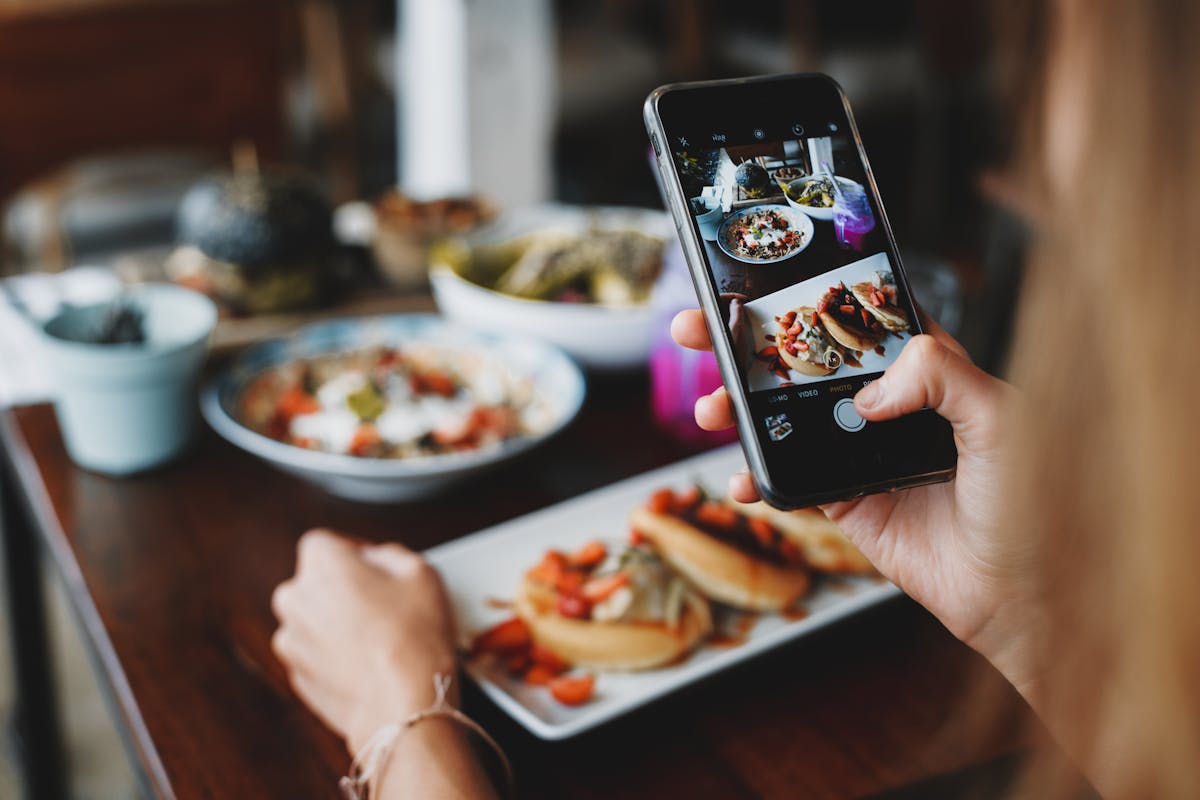
4. Photograph fresh food quickly
Prepare the camera position before the dish arrives. Sauces skin over, fried food softens and herbs wilt. Shooting promptly reduces the amount of editing needed later.
5. Leave room for cropping
Digital menus may show square, portrait or landscape thumbnails. Frame slightly wider than the final crop so important parts of the dish are not cut off when the image adapts to different screens.
6–8. Focus, colour and restraint
Tap to focus on the hero part of the dish, keep whites and food colours believable, and avoid heavy filters. Correct exposure and white balance before adding saturation.
9. Export for the web
A phone camera can create files far larger than a menu needs. Resize and compress images before upload. Aim for the smallest file that still looks crisp at the displayed size.
10. Review the full menu
Individual photos can look good while the collection feels inconsistent. View the menu as a customer and check crop, brightness, background style and portion presentation across all dishes.
Your menu can change. Your QR doesn't have to.
Create a clean mobile menu, publish it and keep updating the content behind the same QR.
Create Your Free Menu