
Design for the situation
A guest may be holding a phone in one hand, talking to friends and deciding quickly. A mobile menu should reduce effort: readable text, obvious categories and a predictable vertical flow beat clever interactions.
Related: why responsive menus beat print-first PDFs on phones →
Use readable type
Avoid shrinking desktop layouts to fit. Body copy and descriptions need comfortable line spacing and contrast. Item names, descriptions and prices should have a clear visual hierarchy so customers can skim before reading details.

Keep navigation simple
For longer menus, category tabs or jump links can save scrolling. Use familiar category labels and avoid hiding core menu sections behind multiple layers. A guest should be able to move from drinks to mains without hunting.
Treat images as content
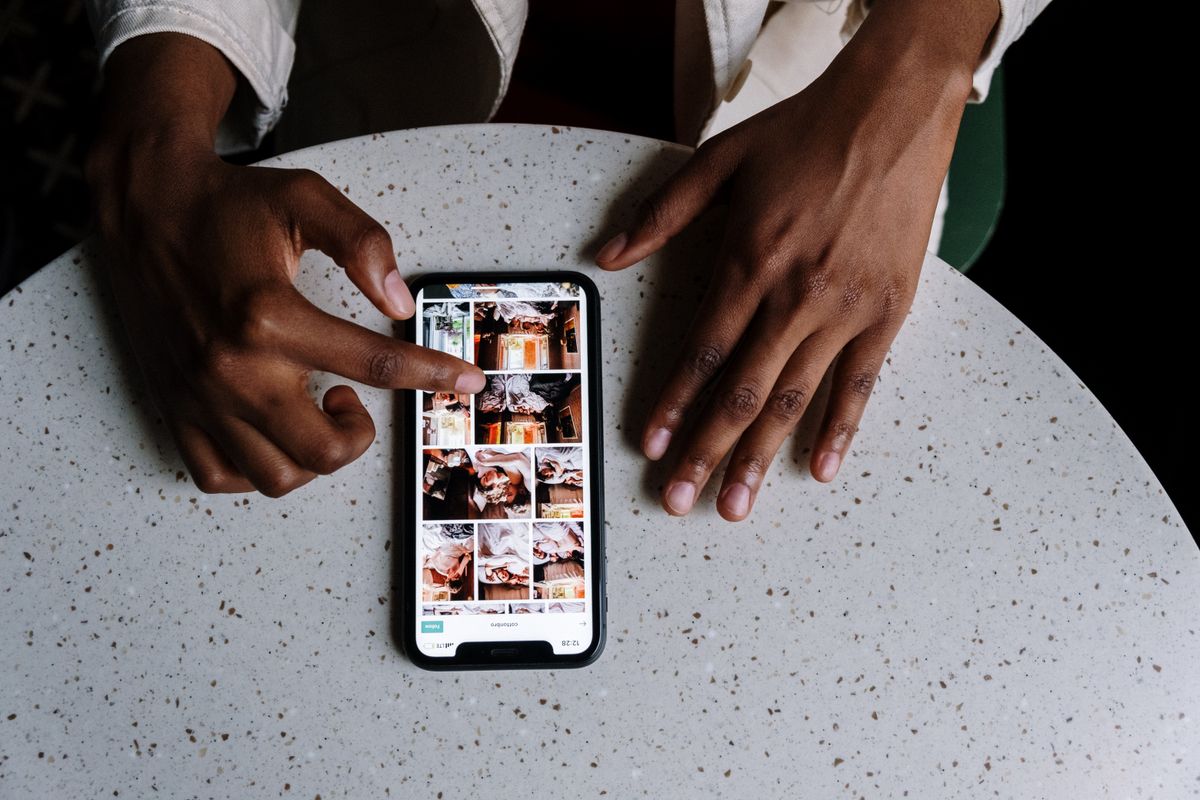
Food photos can help customers choose, but huge image files slow the menu. Crop consistently, compress images and show photos only where they add decision value. A missing photo is better than a blurry or misleading one.
Related: menu photography tips →
Make prices easy to associate
Place each price close to its item. On narrow screens, layouts that put a distant price in a separate column can become difficult to follow. Test long dish names and large prices to make sure wrapping does not break the relationship.
Avoid interaction traps
Pop-ups, autoplay video and full-screen promotions can interrupt a guest who only wants to order. If you use filters or expandable sections, ensure the basic menu remains understandable without complex gestures.
Related: writing clearer menu descriptions →
Test real devices
Resize a desktop browser, but do not stop there. Scan the QR with different phones and browsers. Test mobile data, outdoor brightness and a busy table. Small usability problems become obvious when you use the menu in its real setting.
Keep the page focused
A menu can carry branding without becoming a full corporate website. Put the restaurant name, useful contact/location information and the menu first; secondary marketing content should not delay the customer’s main task.
Your menu can change. Your QR doesn't have to.
Create a clean mobile menu, publish it and keep updating the content behind the same QR.
Create Your Free Menu